The recipe for this coffee, not the one you use for every bag.
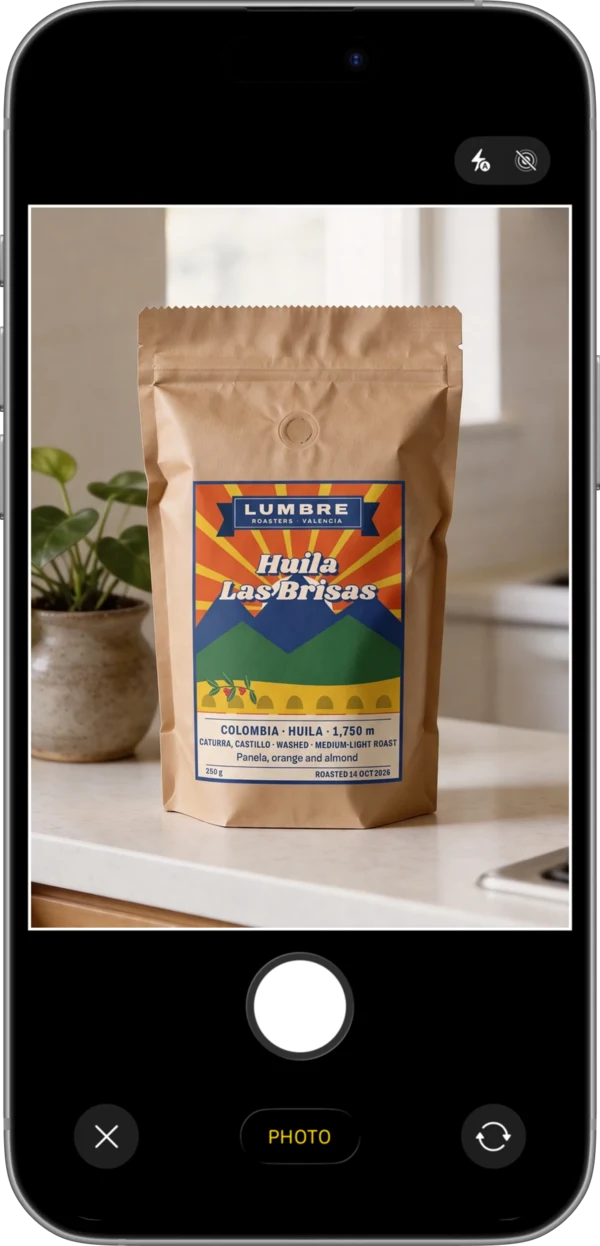
Take a photo of the bag and stop guessing from your very first cup.
 Scan 3 bags free.Install the app with this QR code.
For iPhone and Android.
No card needed. See pricing.
Or download it from the App Store or Google Play.
Your first three bags are on us, no card. See pricing.
On Android? Get it on Google Play
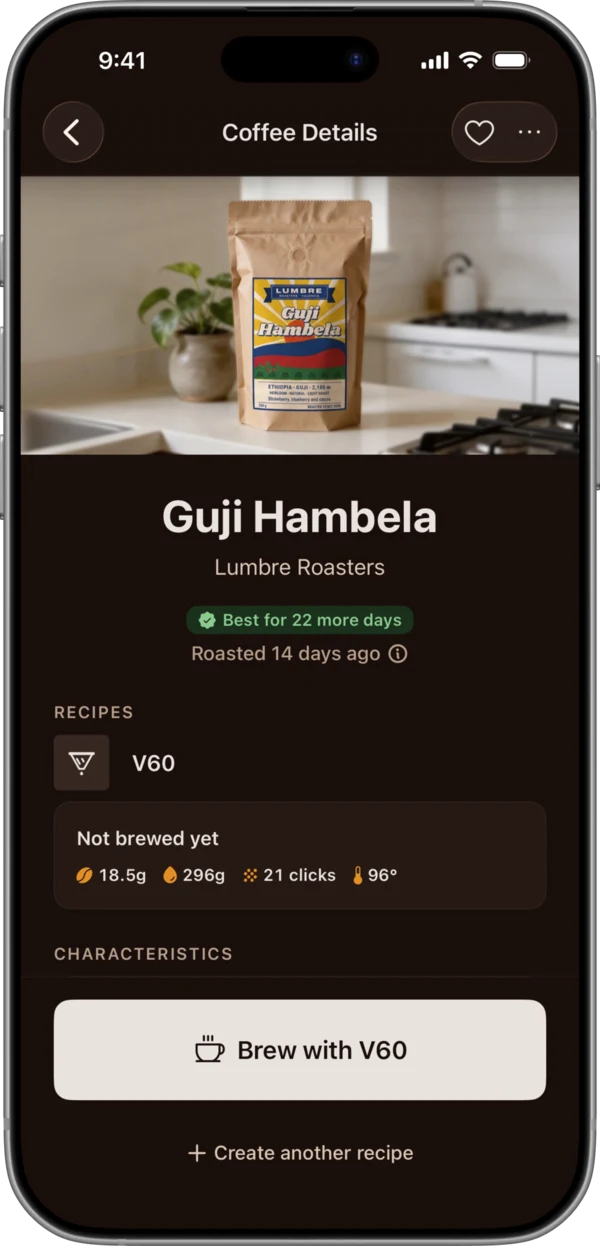
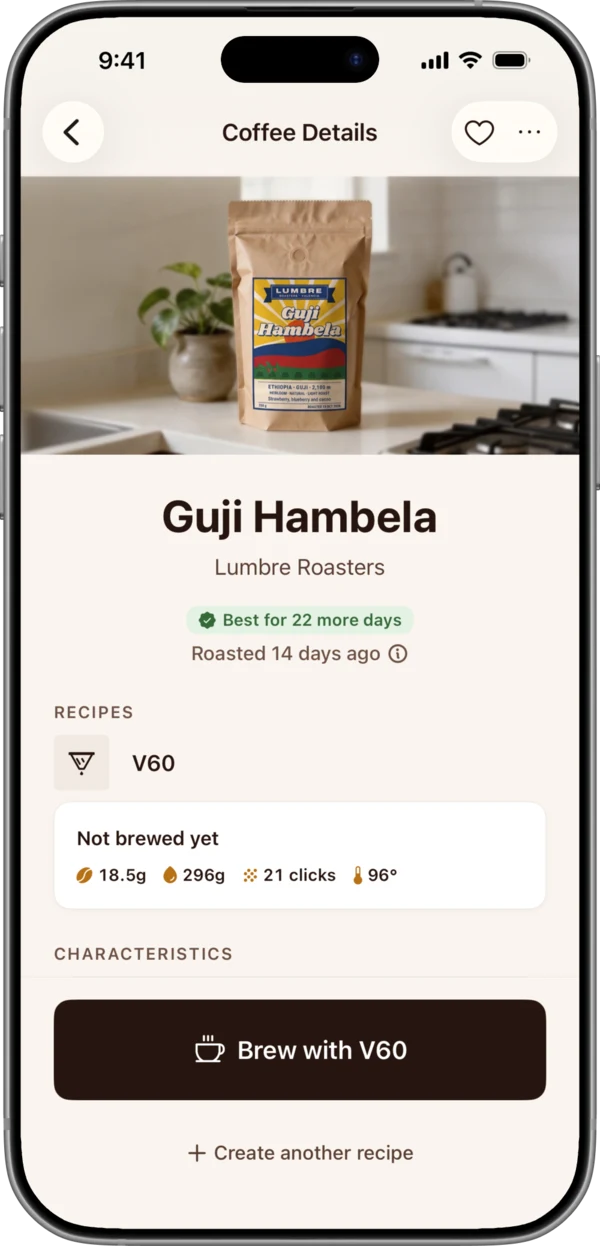
- 30+ grinders calibrated
- 750+ roasters already in the app
- 11 brew methods, from V60 to espresso
New bag. Back to zero.
Every bag asks for its own recipe, and finding it costs time and coffee.
¼ of the bag. Three or four brews to dial it in
New coffee. You brew your usual recipe and it tastes off. You change one setting, then another, until it’s right, and by then a quarter of the bag is gone.
Several settings at once. Every setting pulls on the others
Fixing a recipe by feel is harder than it looks, and you rarely know where to start.
Day 8, day 30. Coffee changes by the day
Coffee keeps ageing after roasting. Day 30 doesn’t taste like day 8, but your recipe stays the same.
Two coffees, two recipes.
Same V60, same Comandante C40, same dose.
Only the coffee changes, and the recipe changes with it.
0:08
to the next stepto next step
First pourPour to 100 g
| Kenya’s recipe | Parameter | Colombia’s recipe |
|---|---|---|
| 93°CMedium roast | Temperature | 96°CLight roast |
| 21clicksWashed process | Grind | 23clicksNatural process |
| 45s14 days from roast | Bloom | 50s8 days from roast |
| 3poursBlackcurrant, grapefruit | Pours | 2poursPanela, red grape |
0:03
to the next stepto next step
BloomNext: pour to 130 g
Scan 3 bags free.Install the app with this QR code.For iPhone and Android.
No card needed. See pricing.
Or download it from the App Store or Google Play.
Your first three bags are on us, no card. See pricing.
On Android? Get it on Google Play
From bag to cup in three steps.
Scan the label
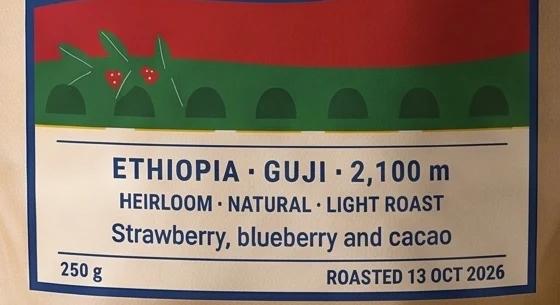
Take a photo and the app reads the label. Any specialty coffee bag works, and the more it says, the better.
Generate your recipe
Choose how you’ll brew the coffee and how much you want. The app works out the recipe from what it read on the bag.
Brew it step by step
The timer marks the times and amounts as you go. A sound plays just before each change, so your eyes stay on the coffee.
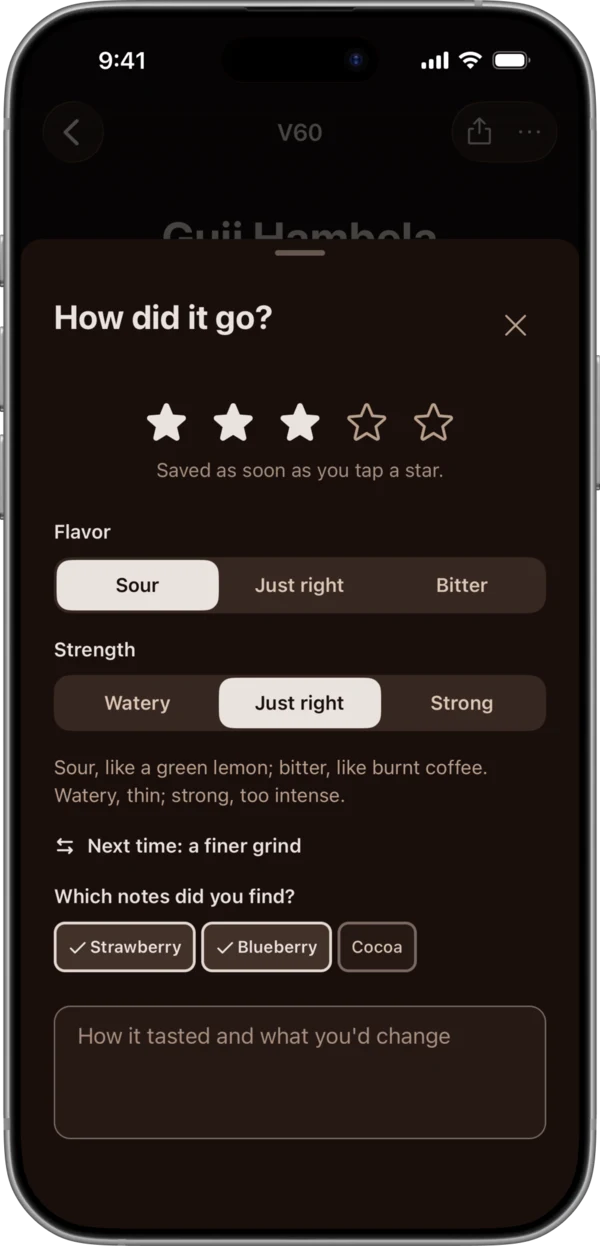
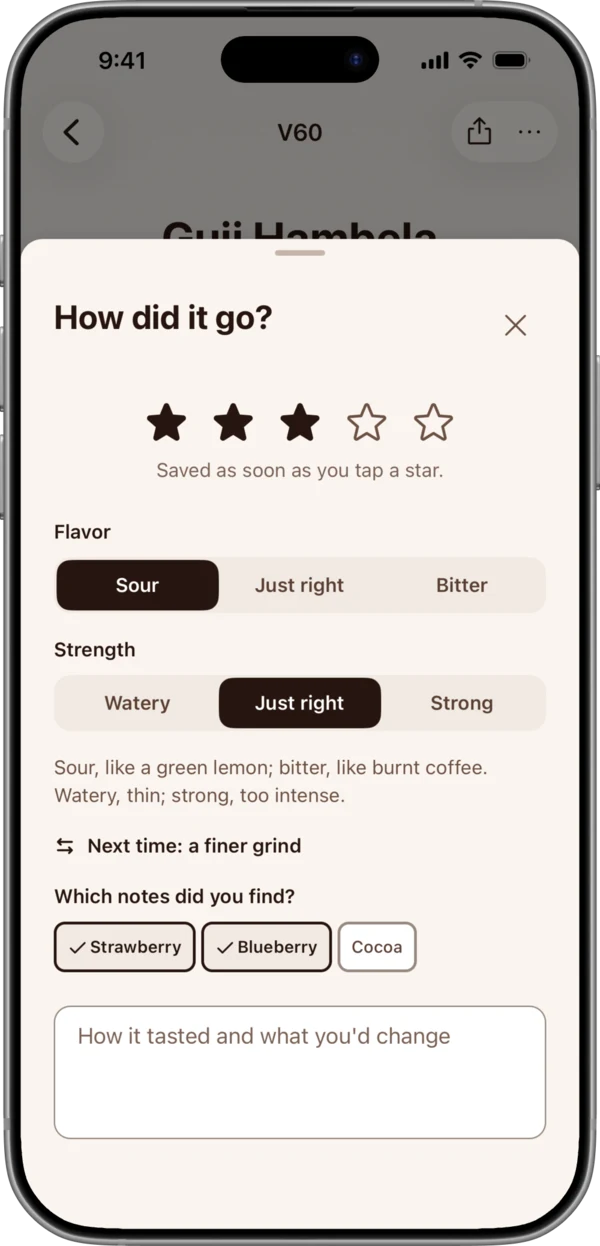
Rate the cup. The next one adapts.
Sour or bitter? Watery or strong? Rate it when you finish the cup and the app will offer to adjust the recipe, both for how it tasted and for the coffee’s age.
Everything you’d ask before downloading.
Have another question? .
Do I need a scale?
Yes. The recipe is in grams of coffee and water, and every pour has its weight. A kitchen scale that reads single grams is enough.
Will it work with my coffee and my setup?
Almost certainly. If the bag shows the origin, roast and process, the app reads it. Supermarket blends work too, with a less tailored base recipe.
On gear: 30+ grinders from 15 brands, among them Comandante, 1Zpresso, Fellow, Baratza, Eureka, Timemore, Turin and Wilfa, manual and electric. And 11 brew methods: V60, Kalita Wave, Origami, Orea, Tótem, Chemex, Hario Switch, AeroPress, French Press, Espresso and Moka Pot. Don’t see your grinder? and we’ll look at adding it.
Calibrated for 30+ grinders:
What happens if the first brew isn’t great?
The first recipe is built for that coffee, so you start close instead of from zero. If it’s not quite dialed, rate it and say whether it was sour or bitter, watery or strong. Next time you brew it, tap “Adjust it” and the grind or the amount of coffee changes.
How is this different from every other coffee app?
Other apps give you a V60 recipe. Coffee Master gives you the recipe for each coffee. With the same V60 and the same grinder, a washed Kenya and a natural Colombia come out three degrees and two clicks apart. Even the tasting notes change how you pour.
Does it use AI?
Yes, it helps us read your bag and put the recipe together, and you can always review and change what it suggests.
What does it cost?
Your first three bags are free, with their base recipe and adjustments, and no card. After that, with Pro you scan every new bag. Cancel any time and keep the recipes you made.
Is my data private?
Yes. Your scans, recipes and brews are yours, and we don’t sell your data. To read the label, we send the photo of your bag to our AI provider.
Scan your next bag.
Scan 3 bags free.Install the app with this QR code.For iPhone and Android.
No card needed. See pricing.
Or download it from the App Store or Google Play.
Your first three bags are on us, no card. See pricing.
On Android? Get it on Google Play